Numio / Calculator

Numio Calculator
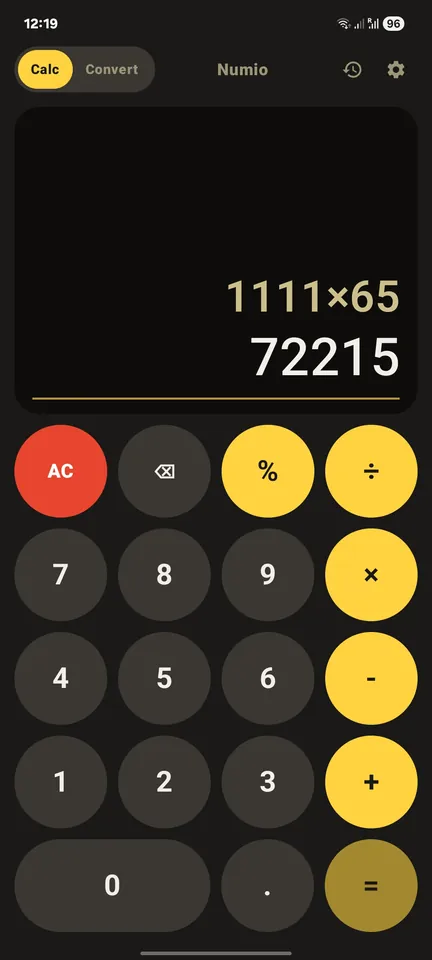
A retro calculator with live results, history and a unit converter.
What makes it different
Declares no permissions at all, not even internet. It can’t send anything anywhere.
Screenshots
Features
- Live results: see the answer as you type
- Handles very big and very small numbers, shown like 1.5E20
- Scrollable expression display, so long numbers never get cut off
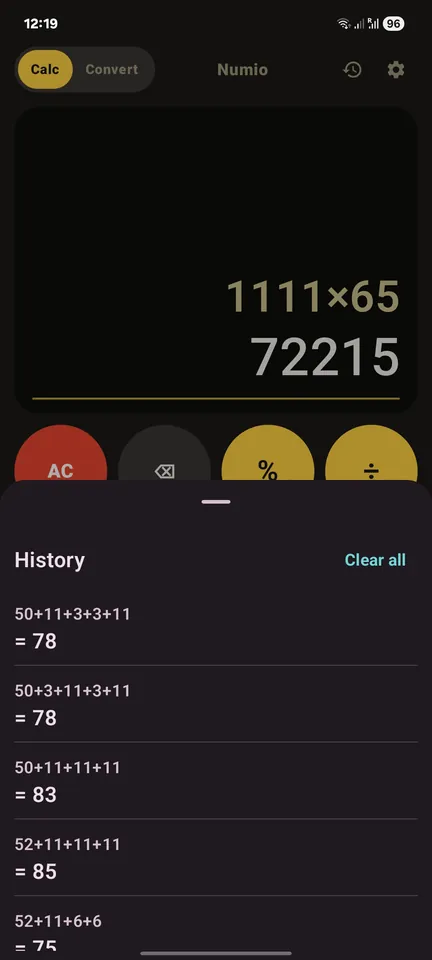
- Calculation history, saved only on your phone
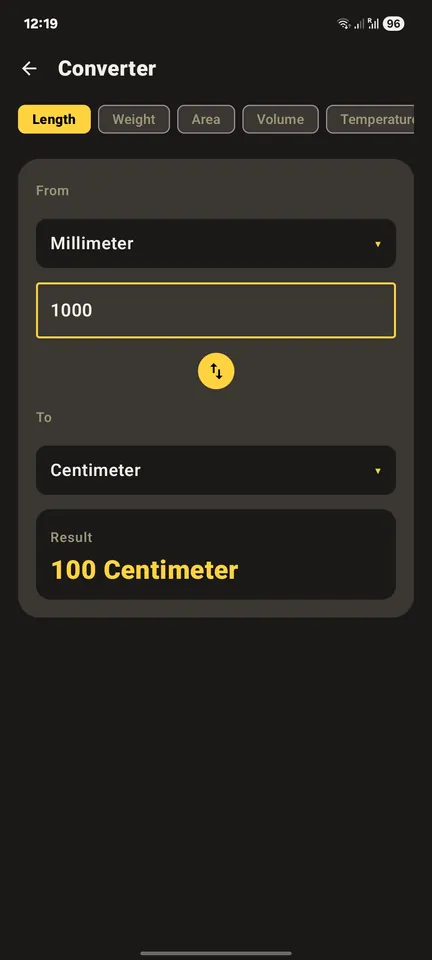
- Unit converter: length, weight, area, volume, temperature, time, speed, pressure
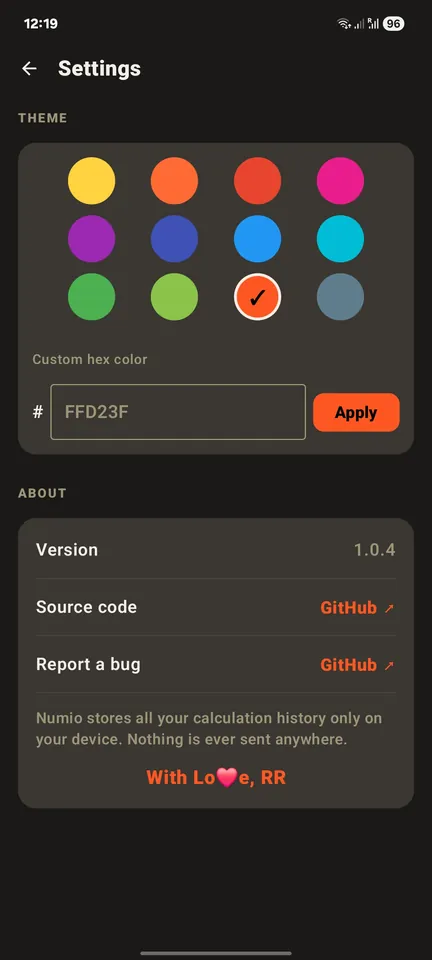
- 12 accent colors, or type your own hex color
- Retro circular keys and a hand-drawn app icon
- A small hidden easter egg
- Works fully offline
Download
- Version
- 1.0.7
- File
Numio-v1.0.7.apk· 1.5 MB- Updated
- 9 Oct 2026
- Requires
- Android 7.0 or newer
- SHA-256
df80f0f543ca93178301ff607a2172f8579f34c92b2ee808c3feb92c2ce0661f- Signing cert
C4:EA:F9:A9:54:2B:70:D4:72:AF:B5:7D:75:67:25:95:22:07:01:15:59:4B:8D:2D:68:EE:87:3E:E1:A2:8B:A1
How to install
- Tap Download APK on your Android phone.
- Open the downloaded file. If Android asks, allow your browser to install unknown apps. This is normal for apps outside the Play Store.
- Tap Install.
Verify your download
Optional, for extra safety. Check that the file matches the SHA-256 shown above.
Mac or Linux:
shasum -a 256 Numio-v1.0.7.apk
Windows (Command Prompt):
certutil -hashfile Numio-v1.0.7.apk SHA256
The signing certificate fingerprint is the same for every Numio app. Updates signed with any other key are not from me.
Get updates with Obtainium
Obtainium is a free app that checks GitHub for new releases and tells you when an update is out.
- Install Obtainium.
- Tap Add App and paste this address:
https://github.com/rag-creation/numio - Tap Add. Obtainium installs the latest version and notifies you about new ones.
Permissions
✓ No permissions. Not even internet.
The app’s manifest declares no Android permissions.
The built app also contains one internal permission added by the AndroidX library (DYNAMIC_RECEIVER_NOT_EXPORTED_PERMISSION). It only lets the app talk to itself and gives it no access to anything on your phone.